• 1 Post
  • 18 Comments
Joined 1 year ago
cake
Cake day: August 25th, 2025

help-circle


  • SatyrSack@quokk.autoSelfhosted@lemmy.world•Joplin sync
    link
    fedilink
    English
    arrow-up
    2
    ·
    edit-2
    20 days ago

    If you already have Syncthing set up, yeah, it’s probably the simplest option. No need to install anything new, set up a new account somewhere, start a new Docker container, etc. I certainly haven’t tried all the options out there, but I don’t have any complaints about performance with this Joplin sync solution.


  • SatyrSack@quokk.autoSelfhosted@lemmy.world•Joplin sync
    link
    fedilink
    English
    arrow-up
    8
    ·
    edit-2
    21 days ago

    Certainly. This is what I do:

    1. Set up Syncthing normally (which you have obviously already done)
    2. Within the folder that you are synchronizing with Syncthing, create a new folder called joplin or something
    3. In Joplin (on desktop, mobile, and every device), set the synchronization target to your local filesystem.
    • Configuration > Synchronization > Synchronization target > File system
    1. Point it to your joplin folder that you created in step 2
    • Configuration > Synchronization > Directory to synchronize with (absolute path) > /your/path/here/joplin

  • So, every time I want to go back one frame, I have to open that plugin from the menu and then respond to that dialog window? That is certainly more cumbersome than the way MPV/Jellyfin do it, where scrubbing is just a keyboard shortcut. Even if I assigned a keyboard shortcut to activated that plugin (I assume that’s possible), I still have to respond to that dialog box?

    When I scrub through a video to get the perfect frame to screenshot, the experience is usually something like:

    1. Pause video, no that’s not the right frame
    2. Scrub back five frames, not right
    3. Scrub forward one frame, looks closer
    4. Scrub forward one frame, looks closer
    5. Scrub forward one frame, that’s almost what I want
    6. Scrub forward one frame, that’s worse, I guess I went too far
    7. Scrub back one frame, settle on that one

    Using MPV, that’s pretty simple because each step there is just a keystroke that takes zero effort and zero time. But if each of those steps also required me to respond to a dialog box, that would just make the process tedious.


  • SatyrSack@quokk.autoSelfhosted@lemmy.world•Jellyfin 12 Released
    link
    fedilink
    English
    arrow-up
    90
    arrow-down
    2
    ·
    1 month ago

    , and . scrub frame-by-frame during playback

    SO0LaBn99MO6v8V.webp

    That is exactly how MPV does it. But from what I remember, VLC devs claim it’s impossible, so VLC only allows you to scrub forward frame-by-frame, not backward. You can skip backwards in three-second increments or whatever, just not frame-by-frame at all. It’s the main thing that keeps me using MPV as my default video player, because I frequently skip around videos trying to get a screenshot of the perfect frame to use to make a meme or something. Being able to scrub frame-by-frame in both directions is a big deal.


  • Go to settings > client settings, enable the background audio with the checkbox:

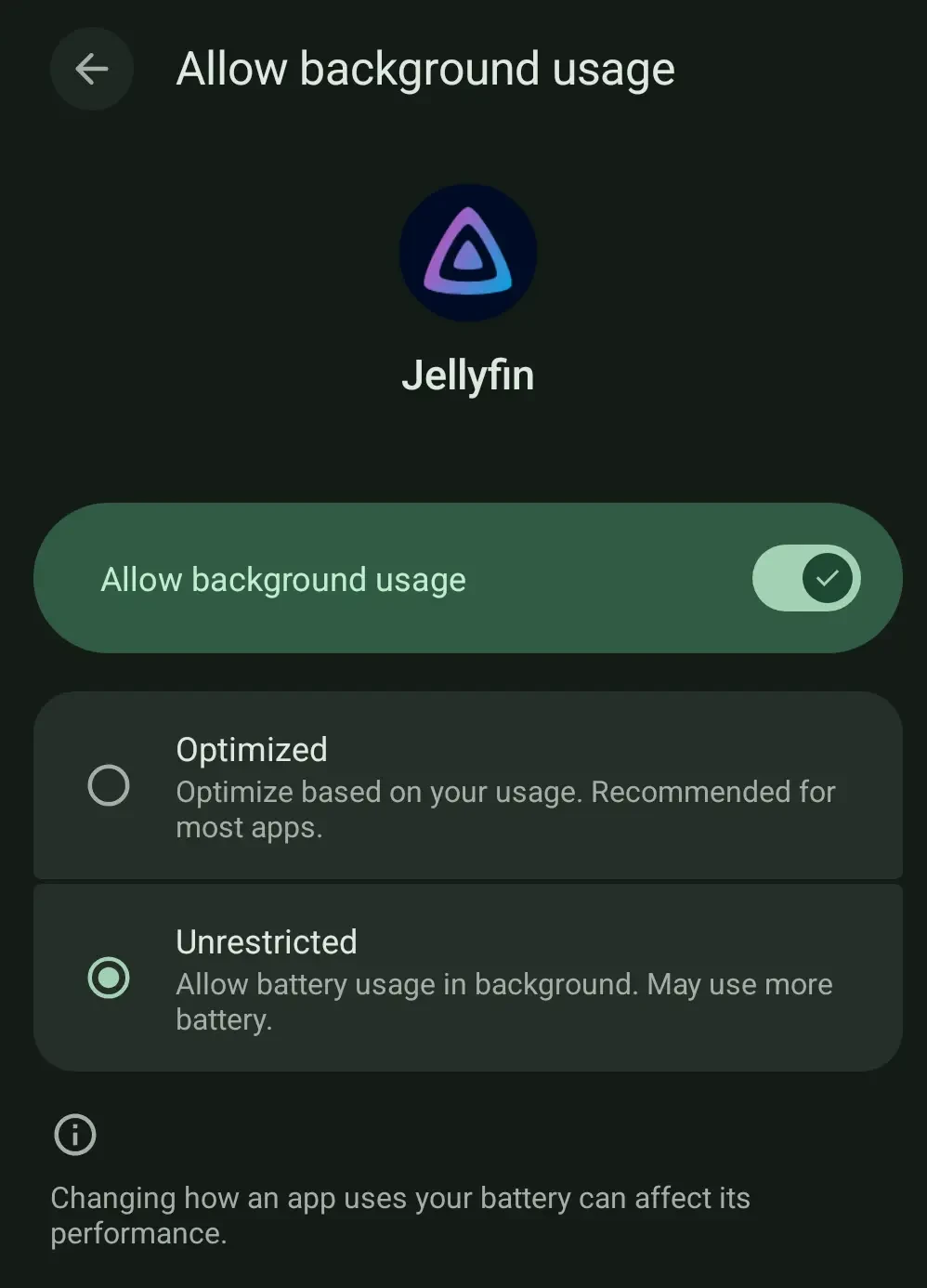
    That definitely does not fix the issue. Not sure if it is just certain devices or Android versions or whatever that have that issue, but having that checked makes no difference for me in recent months. Even with that setting enabled, if I start playing a video then switch to another app, the audio keeps playing for three seconds or so and then just cuts out. The video keeps playing in the background, but no audio.


  • I run a Jellyfin server and get a lot of use out of it because I recognize the benefits that offers compared to just browsing the filesystem and playing files manually. Media streaming, tracking watched/unwatched state, etc. But I just cannot tell what benefits this offers for video games. If it was a game streaming server (like Steam Link, Moonlight, etc.), I would get it. But I just don’t think I am the target audience for this tool. More power to you, for anyone who finds this useful.

    EDIT: I can see this being useful for a game you have to update. I only play completed games, so that is not something that I am used to doing often. But for someone who plays games like Fortnite, Stardew Valley, etc., and has to install updates often, I could find a program like this to handle tracking updates useful.


  • For what it’s worth, nothing in that link under the self-promotion rule mentions using that tag. It is only the link under the AI rule that instructs you to use one of those tags. If a developer did not use AI at all, they likely would not follow that link to read further into the AI rules and would therefore never see any rule instructing them to use some [CBH] tag. If you want non-AI developers to do something special, you should also mention that requirement under the relevant rule instead of just hiding that under the rules that only AI-devs will read the details of.


  • I refuse to start watching a show until it’s finished. I get to watch the entire series at my own pace (no waiting a week between episodes or years between seasons), I avoid stewing in my opinions and reading public opinion during the hiatus and having that affect my enjoyment of the next season, and I don’t have to worry about the abrupt emotional disturbance of a premature cancelation. The only downside is having to avoid spoilers and not being able to join in conversation with others who are actually watching it while it originally airs.