Heh. Last night I took my Debian laptop apart to ‘repair’ the left hinge.
That all went to plan, but I made the mistake of booting it once without the SSD installed, and thereafter it could no longer boot.
Eventually I figured out I had to type \EFI\debian\shimx64.efi into “Add Boot Option” in the 14 year old BIOS - still managed to break things but if I go into advanced startup options I can choose the previous kernel version and it works. For now…
This makes me think how I miss the days when I would upgrade my own desktop PC.
Nowadays with the current memory prices I just do a little prayer to the gods of RAM and SSDs when I’m about to start my aging machine asking that nothing fails.
Zram worked out pretty well on this one. 8gb ram but I run a heap of Chrome sessions, and the scripts that run Gmail etc squash nicely. 4gb of real ram and 4gb of squashable ram.


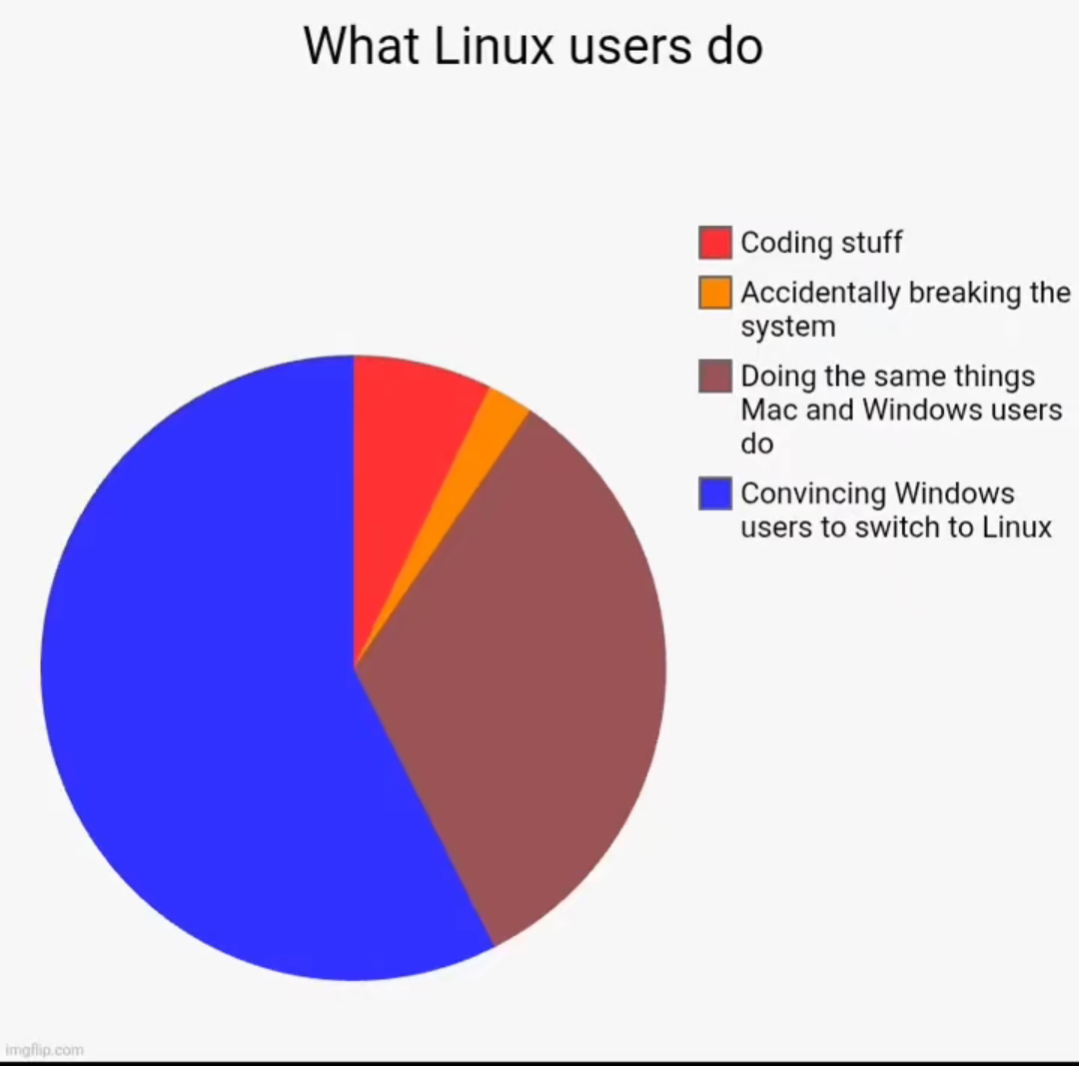
Heh. Last night I took my Debian laptop apart to ‘repair’ the left hinge.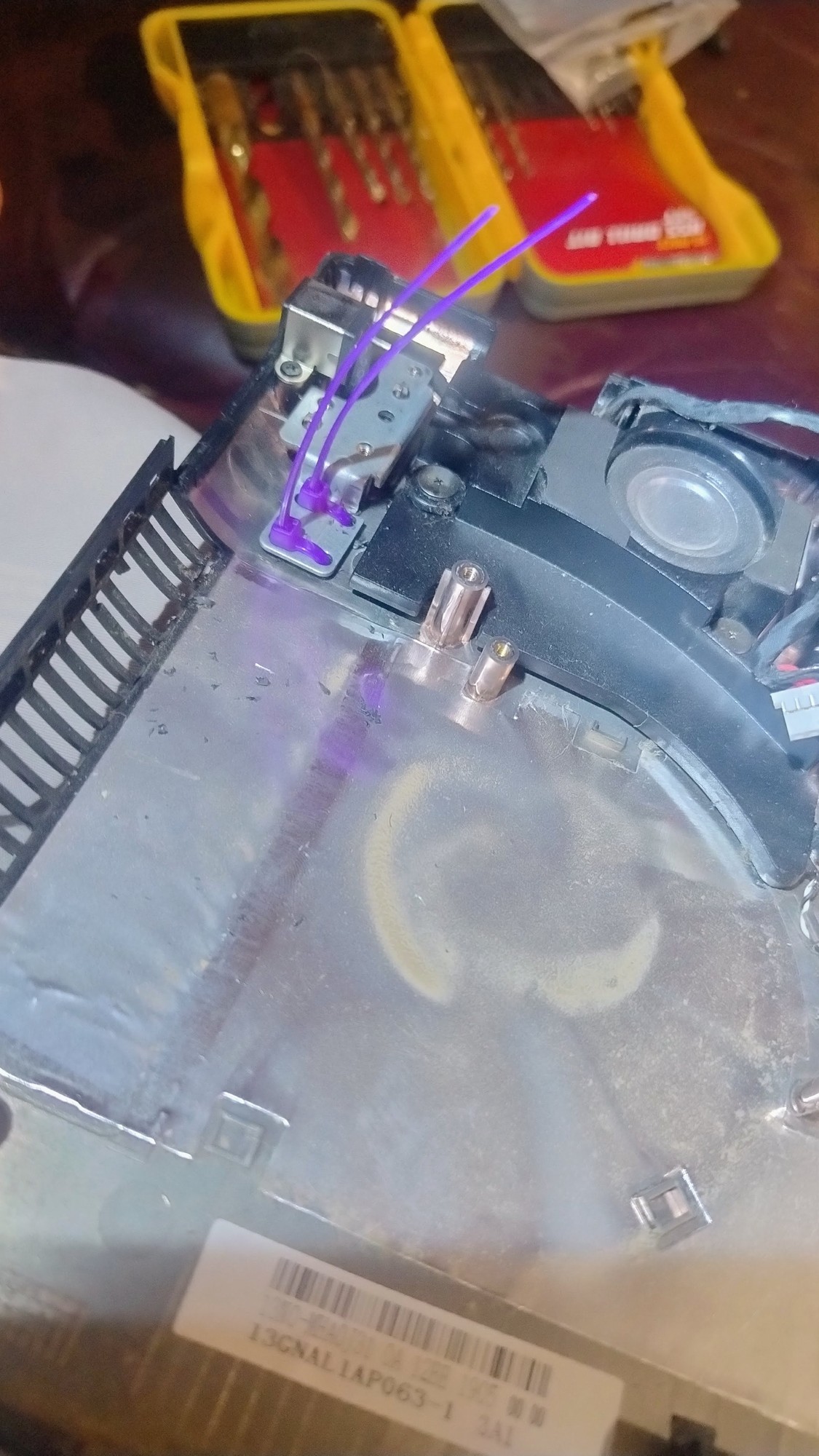
That all went to plan, but I made the mistake of booting it once without the SSD installed, and thereafter it could no longer boot.
Eventually I figured out I had to type \EFI\debian\shimx64.efi into “Add Boot Option” in the 14 year old BIOS - still managed to break things but if I go into advanced startup options I can choose the previous kernel version and it works. For now…
This makes me think how I miss the days when I would upgrade my own desktop PC.
Nowadays with the current memory prices I just do a little prayer to the gods of RAM and SSDs when I’m about to start my aging machine asking that nothing fails.
Zram worked out pretty well on this one. 8gb ram but I run a heap of Chrome sessions, and the scripts that run Gmail etc squash nicely. 4gb of real ram and 4gb of squashable ram.